FPS Controls for mobile devices (Unity Source Code) - easy first person shooter virtual controls
Test it here (WebGL)
Or download apk file and test it on your android device
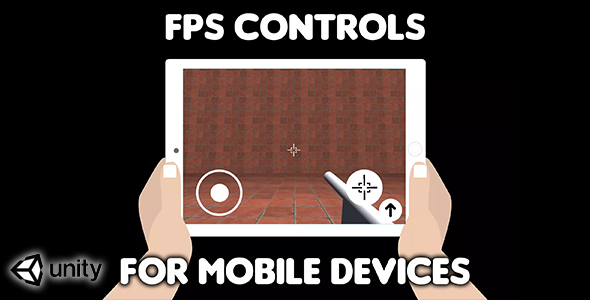
This asset will provide you with FPS controls for mobile devices that is very easy to setup and use.
How to use it?- Drag and drop “FPS Controls“ from “Prefab” folder into your scene.
- Use “JoystickLeft.positionX” static variable inside your scripts to get left joysticks X axis value, use “JoystickLeft.positionY” to get Y axis value (you will get value from -1 to 1 for x and also from -1 to 1 for y axis).
In case that your character doesn’t have rigidbody you can use this:
transform.position = transform.position + moveX * Time.fixedDeltaTime + moveY * Time.fixedDeltaTime;
- For rotation use JoystickRight.rotX and JoystickRight.rotY.
- Example
void Update() { transform.rotation = Quaternion.Euler(JoystickRight.rotY, JoystickRight.rotX, 0); }
• To detect if shot button is pressed you can use JoystickRight.shot static variable. It will return true when shot button is pressed and false when it is released. • To detect if jump button is pressed use JoystickRight.jump. It will return true whan jump button is pressed and false when it is released.