Magento 2 Auto Order Reports
Overview
Every day our system receives a lot of orders. The manager may not be enough time to directly examine the daily order report. Manager manually actions to view the report. This can be very inconvenient if it happens every day.
AutoOrderReport. Right with its name, this utility will help you to view daily reports automatically through sending mail. This helps you control the orders every day without fear of forgetting or actions errors. And you can watch anytime, anywhere. Just check the mail that you have reported the store’s business.
Demo Version
Backend: Auto Order Report Demo
Username: aoruser
Password: xmage2demouser
Features
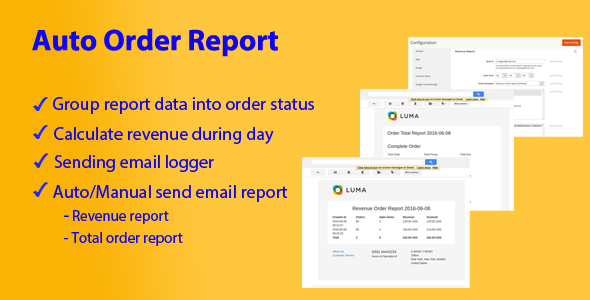
- Total Order Report:
Report data will be grouped into order status. The administrator can know the type of the order of the day.
- Revenue Report:
Revenue during the day will be calculated based on orders. The system will load the data of all the orders of the day and then aggregate the data.
- Sending Email Logger:
After each system sends reports to email lists. The system will record the log, and the administrator can check the status of sending reports success or failure.
- Sending Email:
The administrator will configure email list to receive reports and sending time of the day. The system will automatically send an email to the email list. You can send report manually in backend.
- Cron Job:
This is a very important feature of this extension. The system will scan the configuration over time. After a certain period of time, the system will check and send email from time to time in the system is configured.
Installation
- Downloads the extension
- Unzip the file
- Copies “AutoOrderReport” folder to {Magento 2 Root Folder}
- Run cmd on Root Folder and type: php bin/magento setup:upgrade—keep-generated
Change Setting:
Log into your Magento Admin, then goto Report -> Auto Order Report -> Configuration
Request Support
Feel free to get support via email: [email protected]