Mouse Activity Simulator
Description
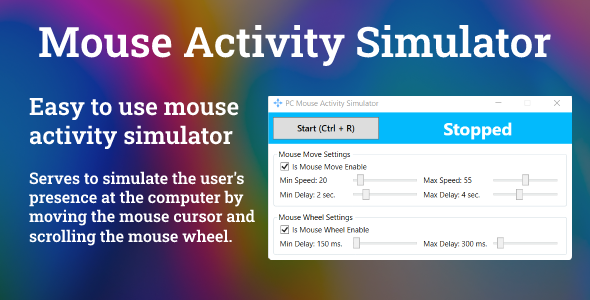
Mouse activity simulator program. This program allows the user to create real-time presence simulation. It comes in handy when you don’t need to turn off the screen, switch to screensaver or sleep mode. By moving the mouse on your computer and scrolling its wheel, the application imitates your working process at the computer in your absence. This application is perfect for those who need the computer not to go to idle mode.
It’s very simple to use. You just need to download the application and click the “Start” button. The process of mouse movement and scrolling will begin the moment you start. Also, in additional settings you can always change the pace of the mouse movement and its delay at your own discretion.
Version 1.1
- Added the ability to minimize the application to the system tray - Bugfixes, stability improvements