Tiny Image Lab.
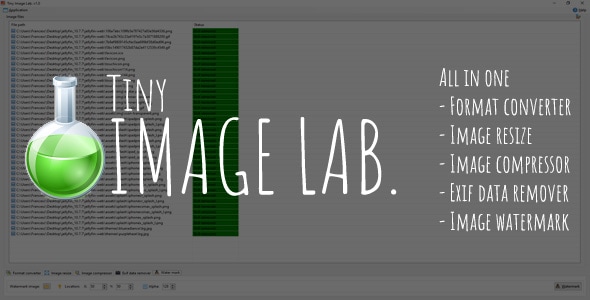
Tiny Image Lab. is a little portable tool to change the format, compress, watermark, resize and remove exif data from your photos and images.
WARNING: This is an application designed to run in Windows OS. Not works in Linux, Android or IOS/MAC.
With this tool you can:
- Change format between different file types (JPG, GIF, BMP, PNG and ICO)
- Change the size of photos and images
- Compress images with adjustable output quality
- Remove exif data from camera and smartphone photos
- Create icons from images
- Watermark images for your online shop or blog
Minimum specs:
- Dual core processor
- 1GB RAM
- X86 or X64 Windows OS (7, Vista, 8, 10 and 11)
Tiny Image Lab. needs .NET Framework 6 to run, if you get any error, please download and install one of this packages:
- X86 Windows OS: https://dotnet.microsoft.com/en-us/download/dotnet/thank-you/runtime-desktop-6.0.5-windows-x86-installer
- X64 Windows OS: https://dotnet.microsoft.com/en-us/download/dotnet/thank-you/runtime-desktop-6.0.5-windows-x64-installer