WooCommerce Buy Again | Repeat Orders On WooCommerce
Demo | Documentation
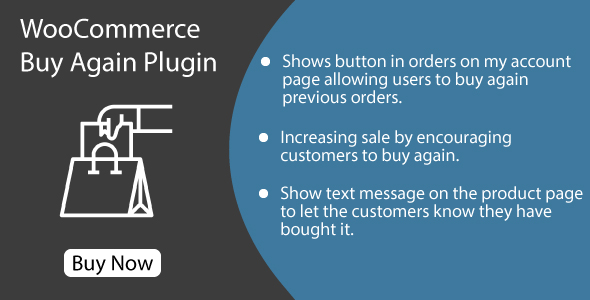
Buy Again for WooCommerce allows customers to repurchase the products quickly. It helps them to re-purchase the products that they purchased in the past from your shop. They can order again for all the products which they have bought previously.
When customers purchase products that list in a table in the My Account page of the Buy Again section, customers can add multiple products to the cart, purchase a product directly, or use the Buy Again button in the Buy Again section.
An essential feature of any ecommerce store, the My Account page serves as a central location where customers can quickly find all of the information they require, such as order history. Incorporating custom content onto this page is an ideal way to increase usability and improve customer experience.
Key Features Of Buy Again Plugin
Re-purchase products saved at My Account page:The WooCommerce Buy Again plugin provides customers with an effortless way to place repeat orders. It displays a “Repeat Order” button on customers’ orders list and order details pages and allows you to set its text, as well as specify which order statuses this feature should apply for.
Supports product variations:The plugin supports multiple product variations, making it perfect for stores offering various versions of one product. By displaying products in a table format on your front-end, customers can quickly locate and select their ideal version; while its management makes monitoring variations straightforward.
Custom labels and description texts:By default, this plugin lists products from orders that reached “Processing” or “Completed” status in its Buy Again table. However, you may choose to display products based on different order statuses as well.
Easy to configure:This plugin is easy to set up and customize, and works great with WordPress Multisite, making synchronizing orders across multiple WooCommerce stores possible. Furthermore, you can select which order statuses should synchronize in order to avoid duplicate orders or orders that have changed on another store from being synced simultaneously.
Contact
Changelog
Version 1.0.5 * Improved code quality.
Version 1.0.4 * Compatible with HPOS. * Improved code quality.
Version 1.0.3 * Fixed some code issues.
Version 1.0.2 * Improved code.
Version 1.0.1 * Fixed some code issues.
Version 1.0.0 * Initial release.